
Why backups are essential protection against ransomware
Ransomware remains one of the most common forms of cybercrime. In the Verizon Data Breach Investigations Report 2026, ransomware was involved in 48% of all data breaches analysed, and 69% of the affected organisations did not pay the ransom. Reliable backups are the main reason why an organisation can afford not to pay, because they make it possible to restore systems and data without the cooperation of the attackers.
The Cybersecuritybeeld Nederland 2026 of the NCTV also names backups as part of the basic measures that every organisation should have in place, and states that business continuity must be tested. At the same time, the NCTV observes that more criminals focus on data theft and extortion. A backup strategy for SMEs should therefore be part of a wider approach that also protects data against theft.
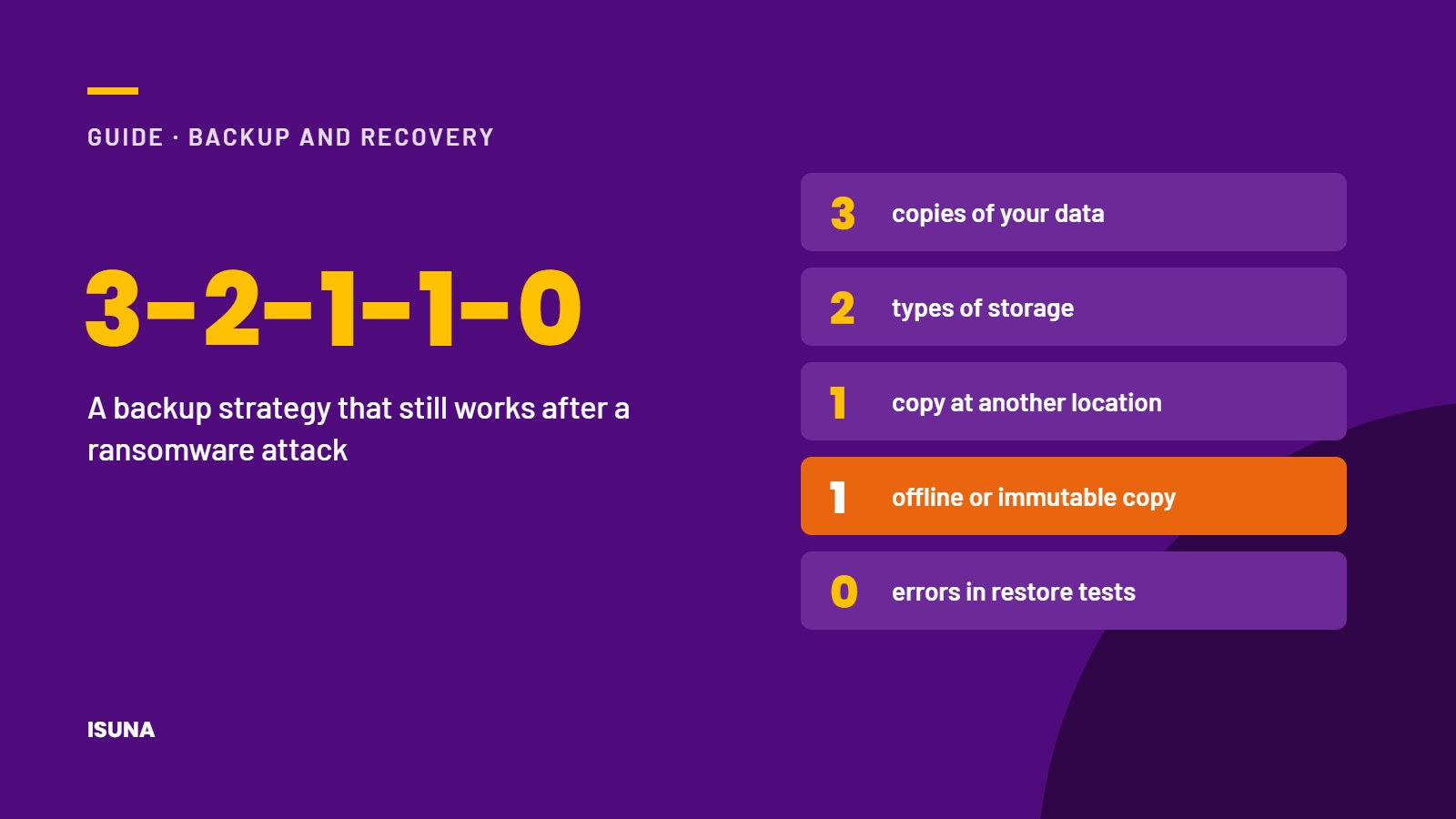
The 3-2-1-1-0 backup rule
The 3-2-1-1-0 rule is a widely used guideline for a backup strategy that can withstand both technical failures and attacks:
| Number | Meaning |
|---|---|
| 3 | Keep at least 3 copies of your data: the original and 2 backups |
| 2 | Store the backups on at least 2 different types of storage, for example a local storage system and a cloud service |
| 1 | Keep at least 1 copy at a different location from the office |
| 1 | Keep at least 1 copy offline or immutable, so that it cannot be changed or deleted, even by an administrator account |
| 0 | Make sure that restore tests show 0 errors |
The immutable or offline copy is the most important element for protection against ransomware. Attackers increasingly try to find and delete backups before they encrypt the systems, and a copy that cannot be changed for a fixed period prevents this.
Do not forget data in cloud services
Many organisations assume that data in cloud services such as email, online file storage and collaboration platforms is automatically backed up by the provider. Cloud providers generally ensure that their services remain available, but the recovery of data that has been deleted, overwritten or encrypted by a user or an attacker is often the responsibility of the customer, depending on the terms of the service. It is therefore advisable to check for each cloud service which recovery options are available and for how long, and to add a separate backup where these options are insufficient.
Determine how quickly you need to recover
A good backup strategy starts with 2 questions for each system:
- How much data can the organisation afford to lose? This is known as the Recovery Point Objective (RPO). If the answer is 1 working day, a daily backup is sufficient. If the answer is 1 hour, backups must be made more frequently.
- How long can the organisation work without the system? This is known as the Recovery Time Objective (RTO). A financial system that is needed every day usually requires a shorter recovery time than an archive.
The answers determine how often backups are made, where they are stored and which systems are restored first after an incident.
Protect the backup environment itself
Because attackers target backups, the backup environment needs its own protection. Use separate accounts for managing backups that are not used for daily work, protect these accounts with phishing-resistant multi-factor authentication (MFA), limit the number of people with access and make sure that alerts are sent when backups fail or are deleted. Encrypting backups also ensures that stolen backup files cannot be read.
Test the recovery regularly
A backup that has never been restored offers no certainty. We recommend testing the recovery of individual files at least once a quarter and testing the full recovery of the most important systems at least once a year. Document how long the recovery took and whether it met the agreed recovery time, and adjust the strategy if it did not.
Checklist for a backup strategy
- All critical systems and cloud services have been identified
- The acceptable data loss and recovery time have been determined for each system
- At least 3 copies exist on 2 types of storage, 1 of them at another location
- At least 1 copy is offline or immutable
- Backup accounts are separate and protected with phishing-resistant MFA
- Alerts for failed or deleted backups are active
- File recovery is tested every quarter and full recovery every year
- The recovery procedure is documented and known to the people involved
Conclusion
A well-designed backup strategy for SMEs determines whether a ransomware attack causes a few hours of disruption or weeks of downtime. The 3-2-1-1-0 rule, at least 1 immutable copy, separate protection of the backup environment and regular recovery tests form the basis. Because criminals increasingly steal data as well as encrypt it, backups should be combined with access management, monitoring and encryption. Backup management and regular backup checks are part of ISUNA’s managed IT services, and we help organisations set up, monitor and test their backups within the agreed scope.
Frequently asked questions
What is the 3-2-1 backup rule?
The 3-2-1 rule means keeping at least 3 copies of your data, on 2 different types of storage, with 1 copy at another location. The extended 3-2-1-1-0 rule adds 1 offline or immutable copy and 0 errors in restore tests.
What is an immutable backup?
An immutable backup is a copy that cannot be changed or deleted for a fixed period, not even by an administrator. This prevents attackers from deleting the backup before they encrypt the systems.
How often should backups be tested?
We recommend testing the recovery of individual files at least once a quarter and the full recovery of the most important systems at least once a year.
Do backups protect against data theft?
No. Backups make it possible to restore data after encryption or deletion, but they do not prevent stolen data from being published. Protection against data theft requires additional measures such as access management, monitoring and encryption.